
How to Copy Your Instagram Post, Reel or Profile Link
Updated November 20262 min readSocialRob Team
You can copy an Instagram link in under ten seconds. The steps are the same on Android and iPhone.
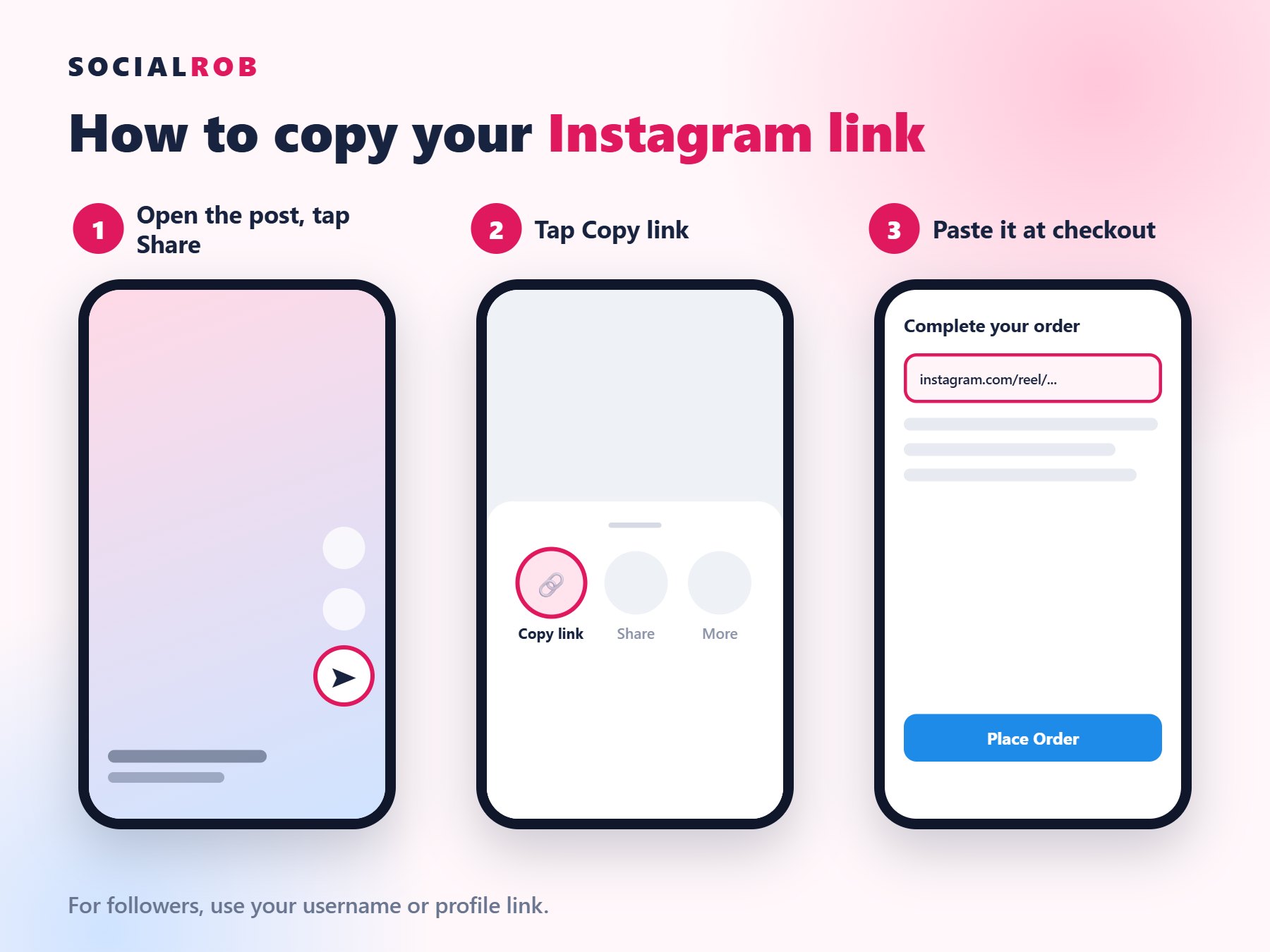
Copy a post or reel link
- Open the post or reel in Instagram.
- Tap the Share icon, the paper plane.
- Tap Copy link.
- Paste it in the link box at checkout.
Copy your profile link
- Open your profile.
- Tap Share profile.
- Tap Copy link.
You can also just type your username at checkout for followers orders.
On a laptop
Open the post in your browser and copy the address from the top bar.
Keep it public: a private account hides your posts, so we cannot deliver to them.