
How to Order on SocialRob in 5 Easy Steps
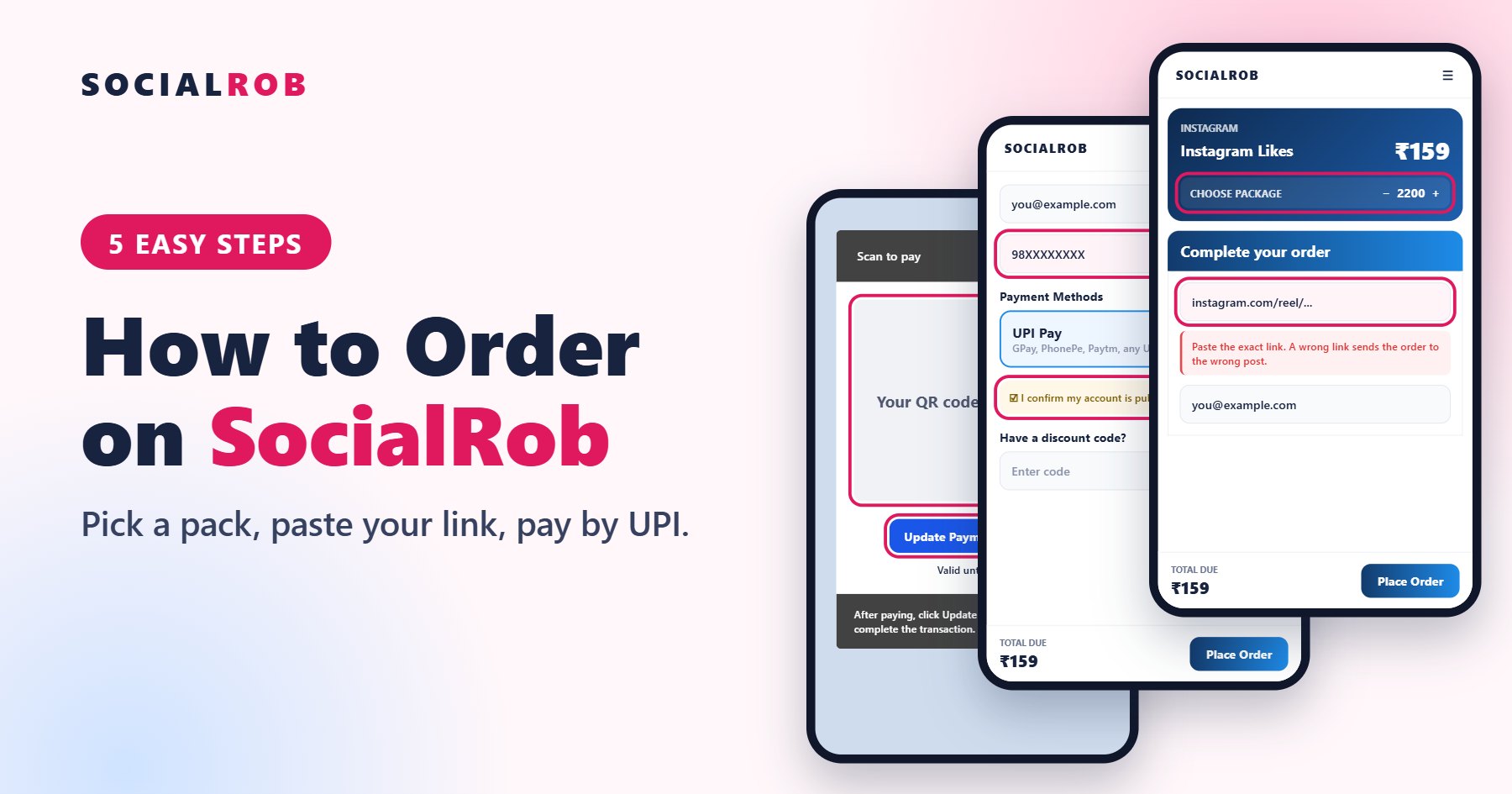
You can place a SocialRob order in about two minutes. You only need a public account, the right link and any UPI app. We never ask for your password.
Step 1: Pick your pack and paste your link
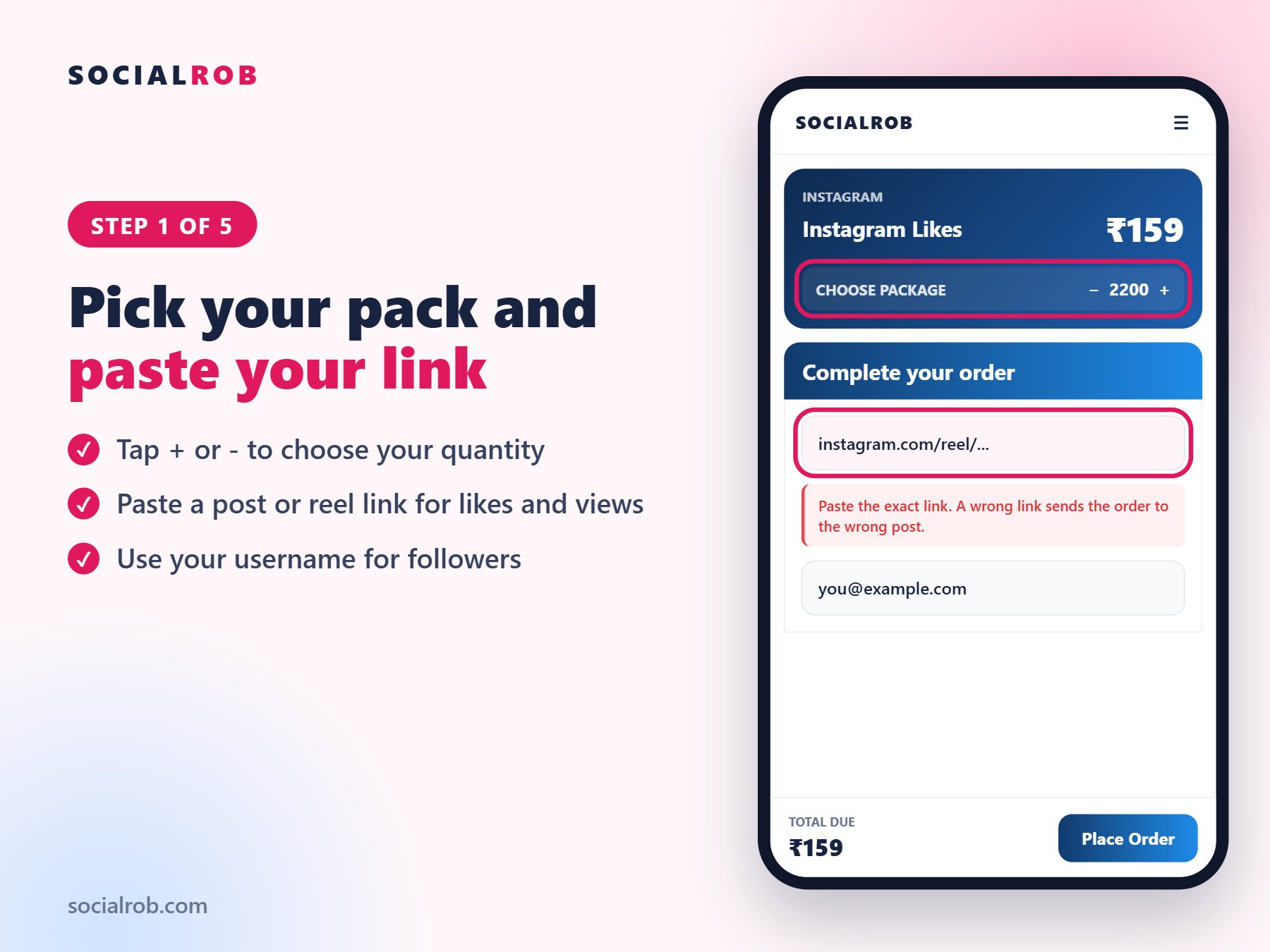
Open the service you want, such as Instagram Likes or Reel Views, and tap Buy Now. Use the + and - buttons to choose your quantity. Then paste your link in the box.
Likes and comments need a post or reel link. Reel views need a reel link. Followers need your username or profile link. Not sure? Read which link to send.
Step 2: Add your WhatsApp number
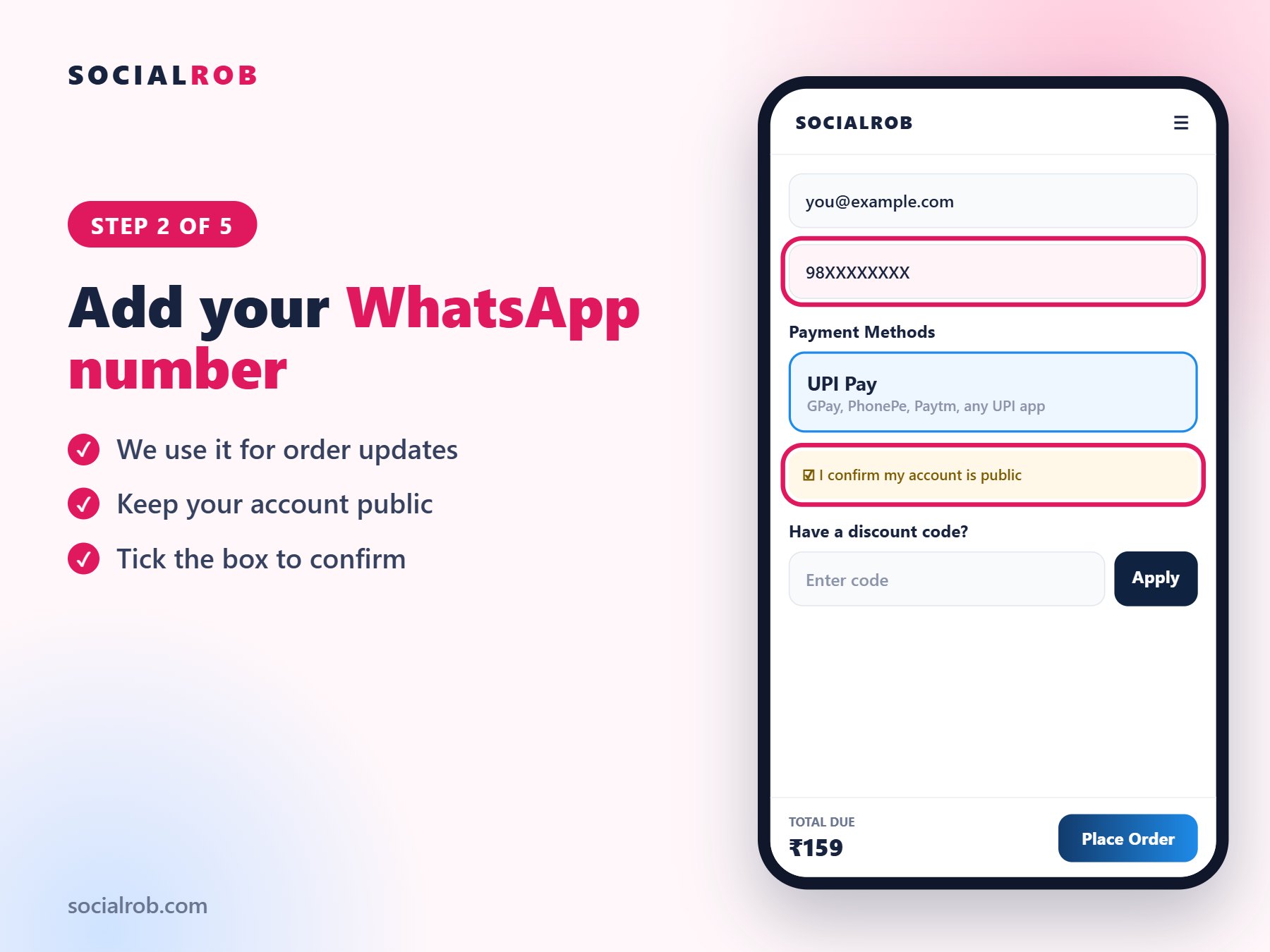
Enter your number so we can update you about your order. Tick the box to confirm that your account is public. An order placed on a private account or a wrong link cannot be delivered.
Step 3: Apply your code and place your order
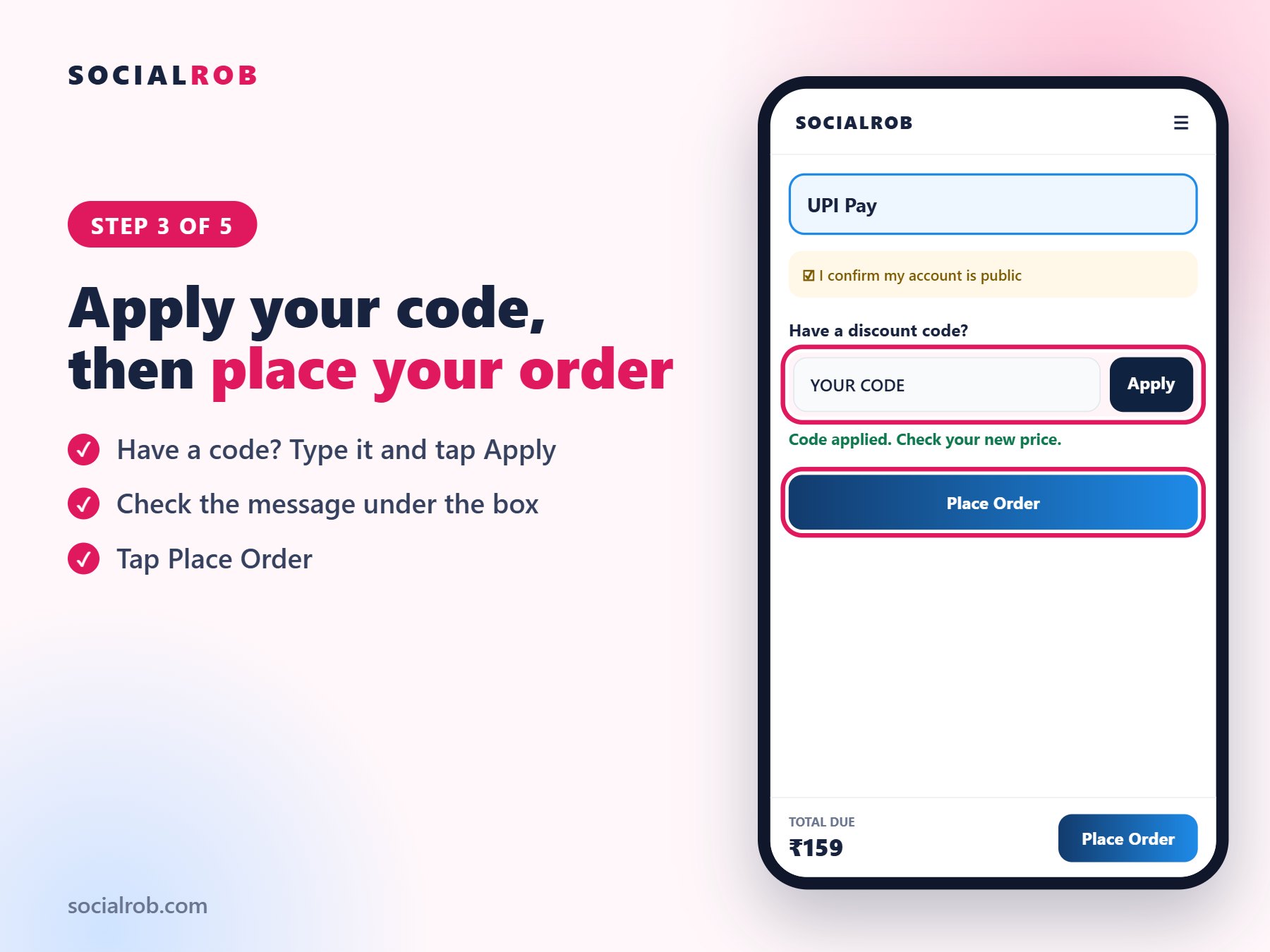
If you have a discount code, type it in the box and tap Apply. A message under the box confirms the amount you pay. The code must be applied before you tap Place Order.
Step 4: Pay by UPI
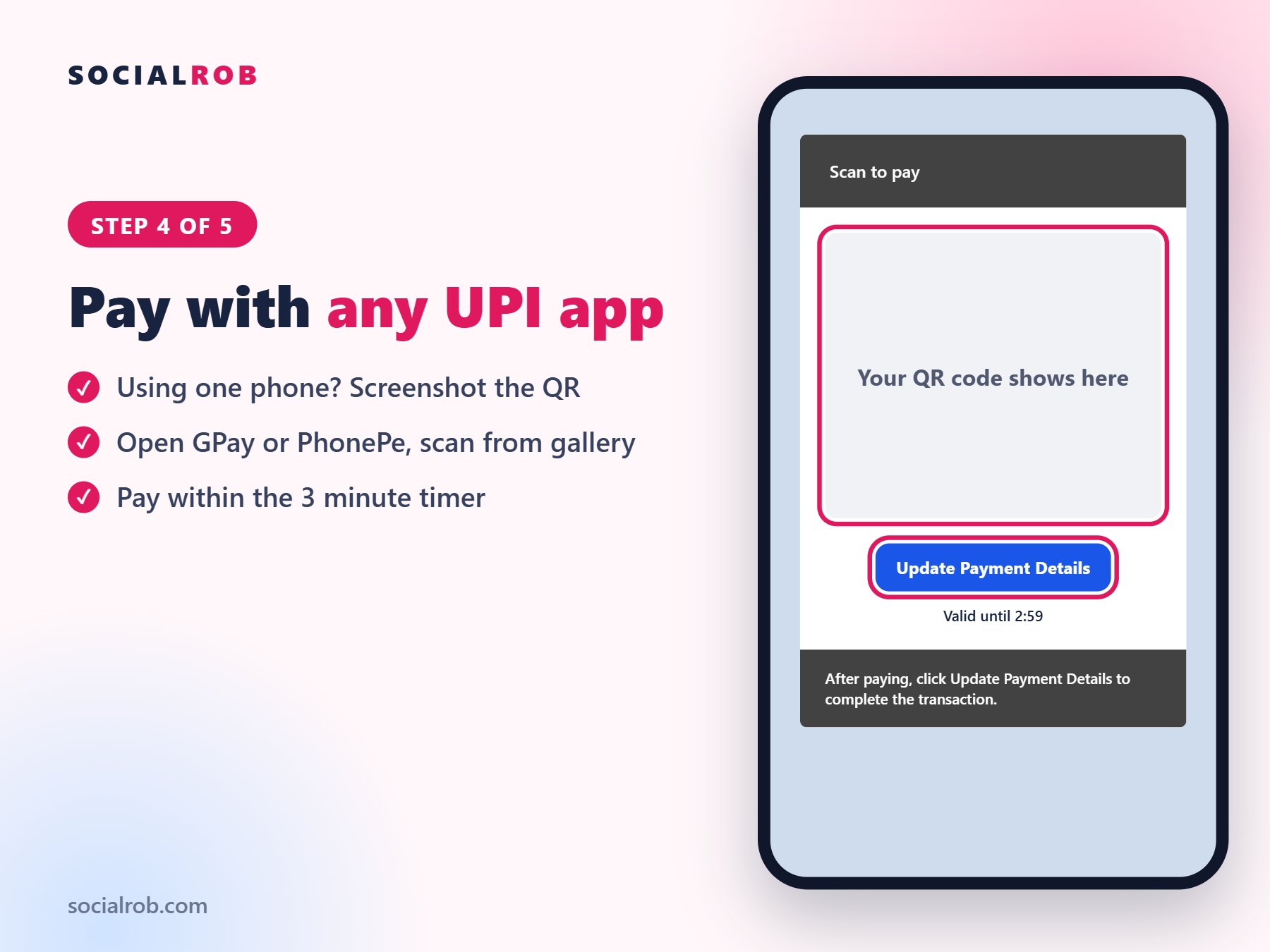
The payment page shows a QR code with a 3 minute timer. If you are on a laptop, scan it with your phone. If you are ordering on the same phone, screenshot the QR, open your UPI app and upload it from your gallery. See how to pay a QR on one phone.
Step 5: Send your payment proof
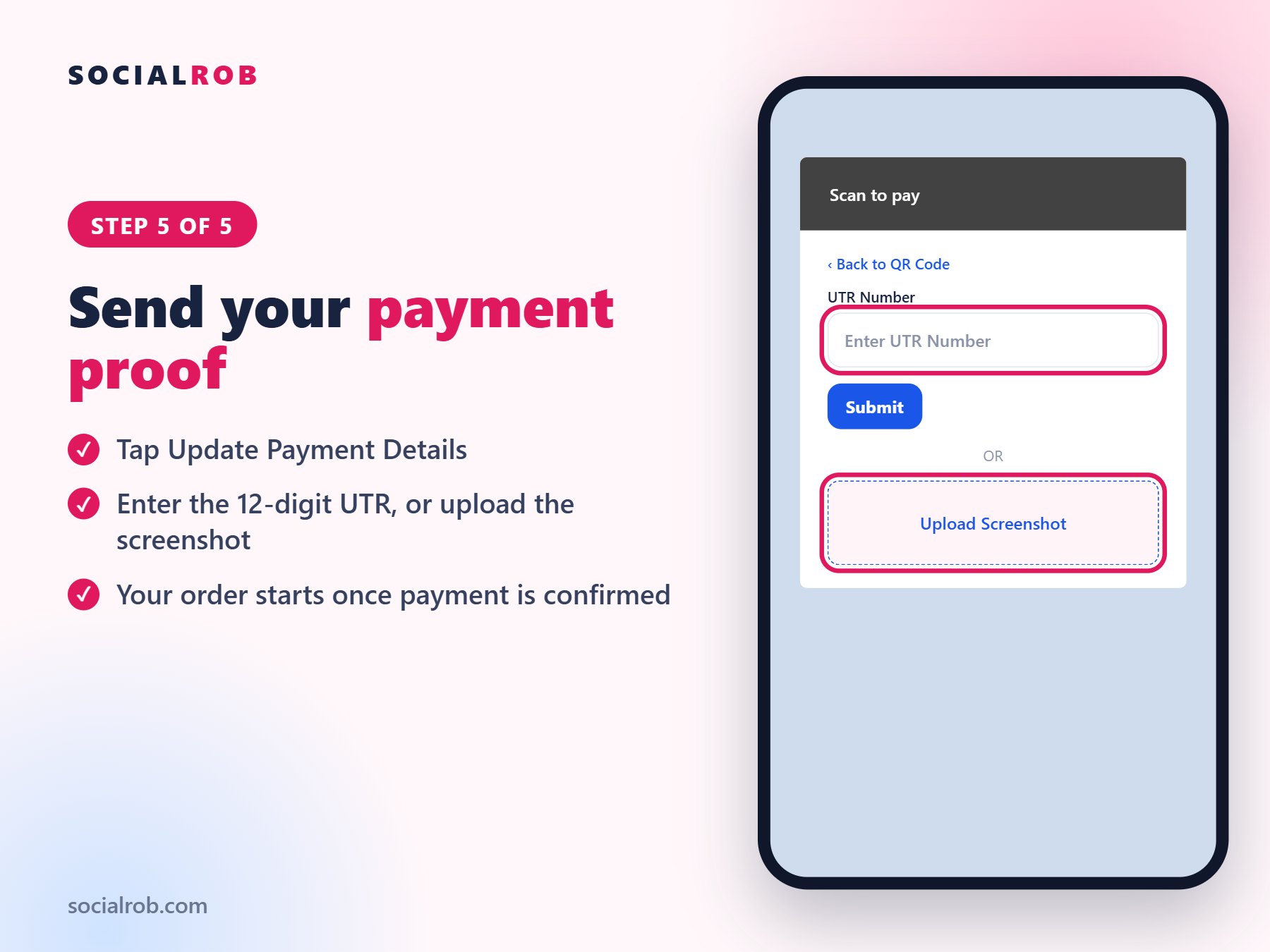
After you pay, tap Update Payment Details. Enter the 12-digit UTR, or upload a clear screenshot showing the amount, date and UTR. See where to find your UTR. Your order starts once the payment is confirmed.
After you order
Track your order on Manage Orders. Keep your account public and do not change your username until the order is complete. If you change it, the order can fail.