
How to Pay a UPI QR Code on the Same Phone
Updated November 20263 min readSocialRob Team
You cannot point your phone camera at its own screen, but every major UPI app can read a QR from your gallery. Finish within the 3 minute timer on the payment page.
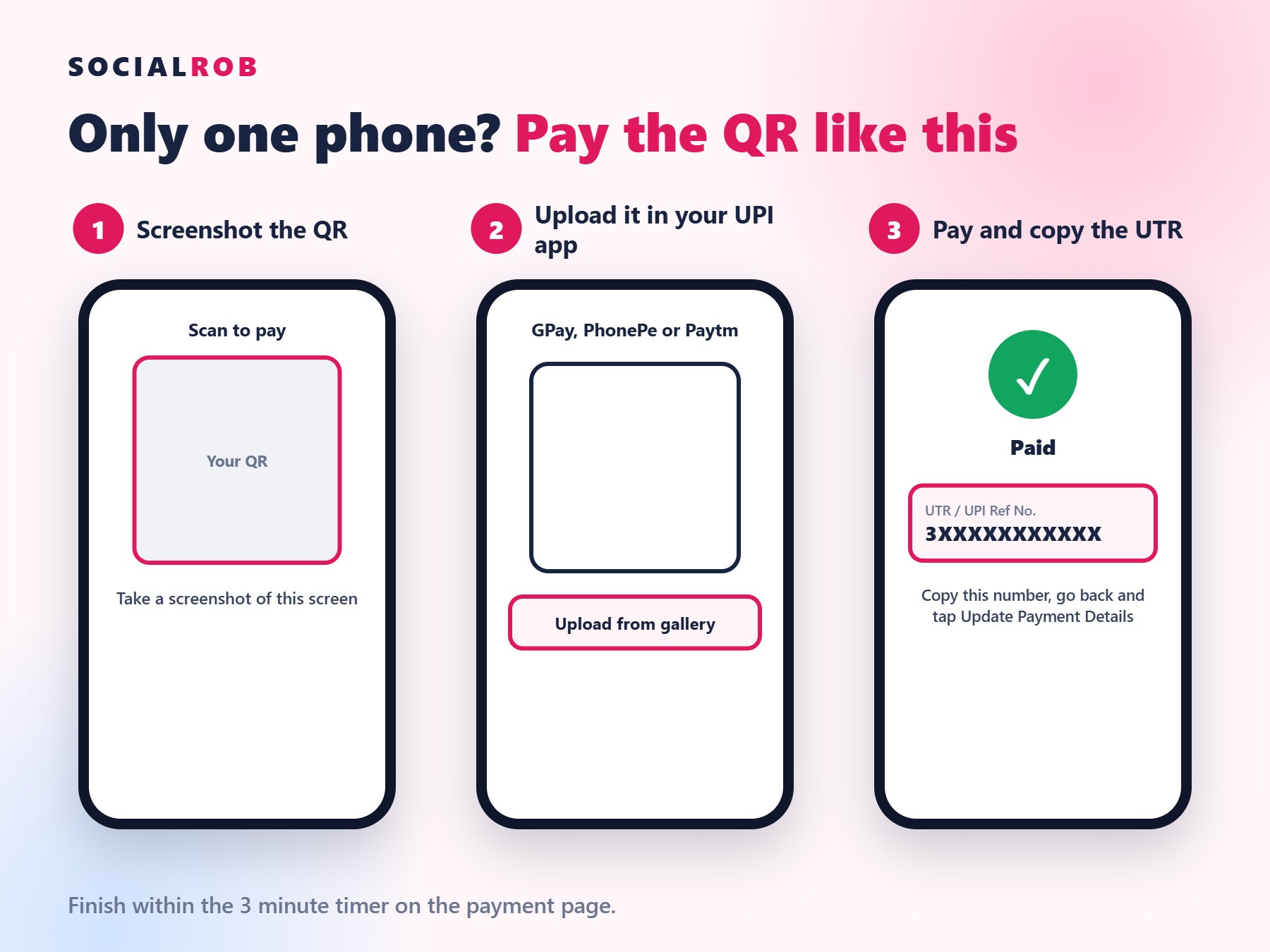
Step 1: Screenshot the QR
On most Android phones, press Power and Volume Down together. On iPhone, press the Side button and Volume Up.
Step 2: Upload it in your UPI app
- Google Pay: tap Scan any QR code, then Upload from gallery.
- PhonePe: tap Scan and Pay, then the gallery icon.
- Paytm: tap Scan and Pay, then the gallery icon.
Button names can change between app versions.
Step 3: Pay and copy the UTR
Check the amount, pay, then open the payment details and copy the 12-digit UTR.
Step 4: Go back and send proof
Return to the payment page, tap Update Payment Details, then enter the UTR or upload your screenshot. See where to find your UTR.
Timer ran out? Go back and place the order again for a fresh QR. If money was deducted, send us the UTR first so you do not pay twice.